 Help
HelpHow to add a new customer
Create a customer profile in GameAML with their name and ЕГН before you start a due-diligence check.
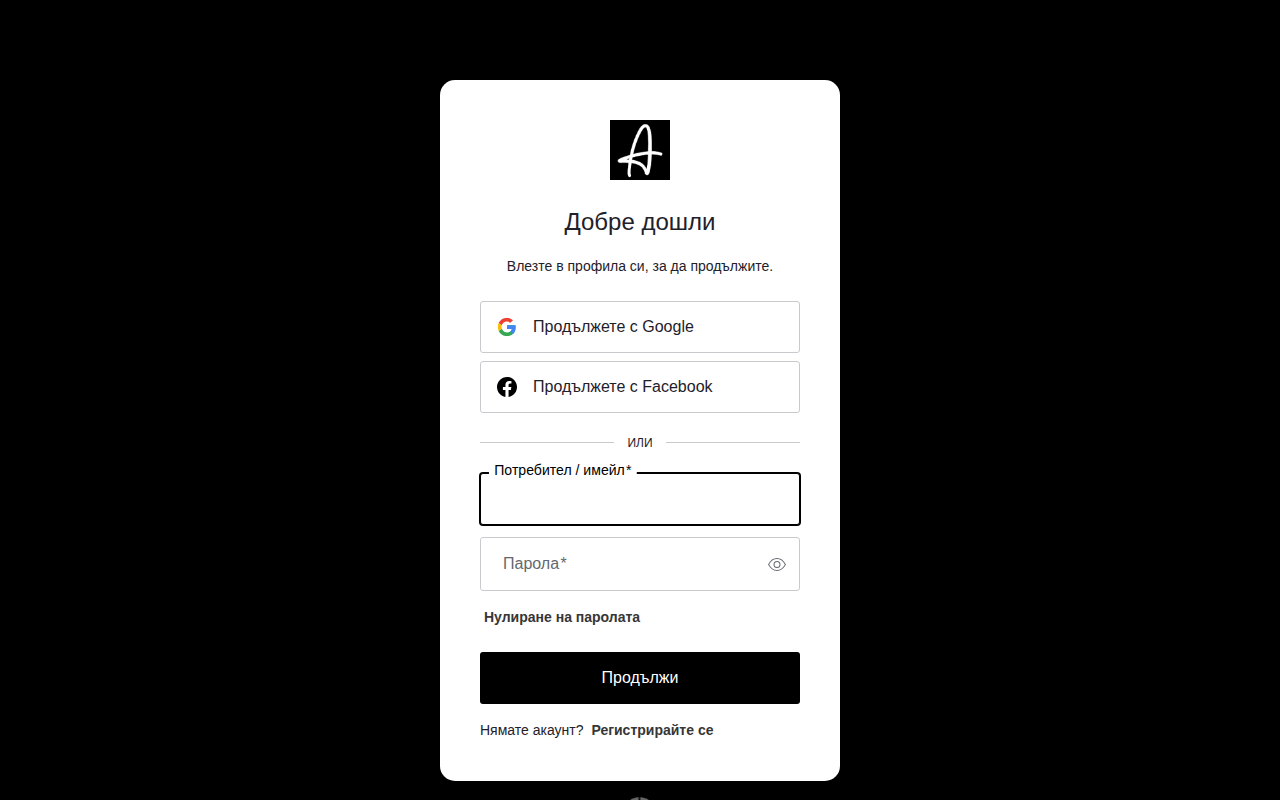
1Sign in to GameAML with your email and password.
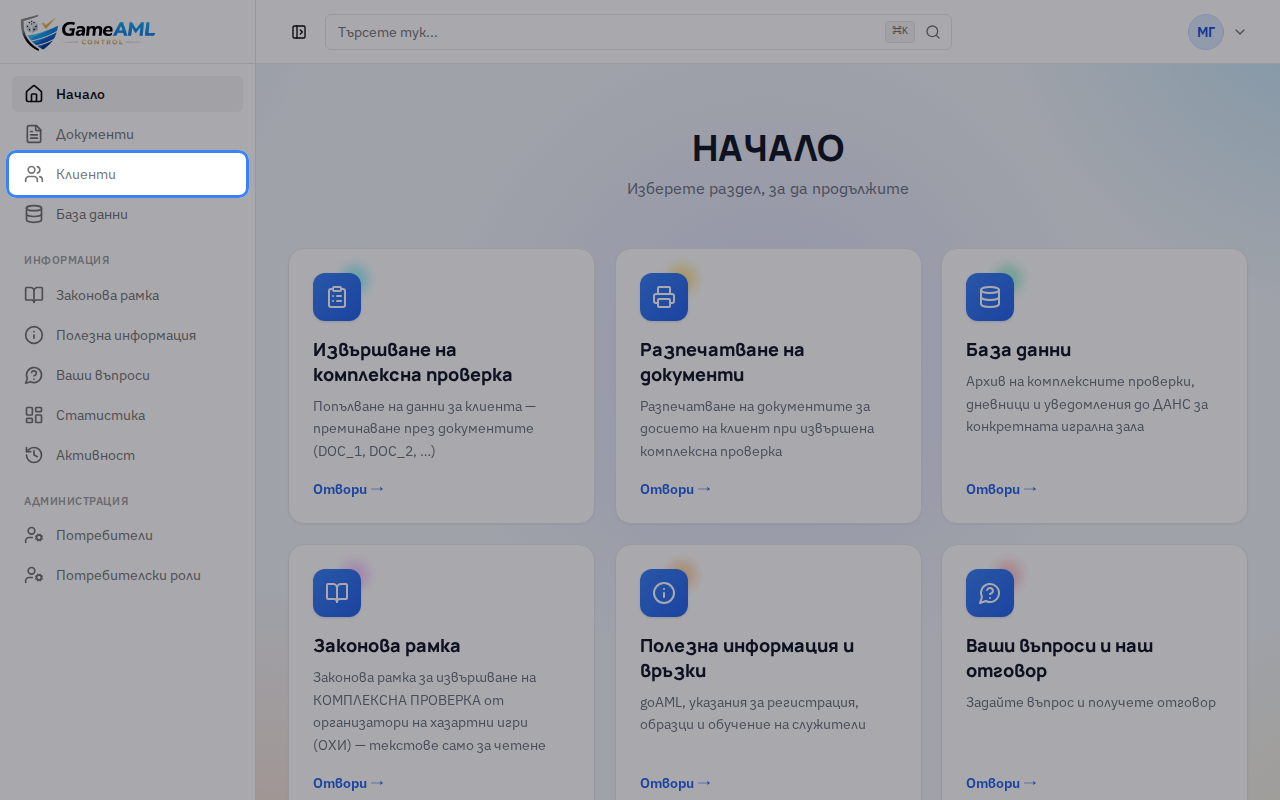
2Open “Клиенти” (Customers) from the menu. This is your hall’s customer register.
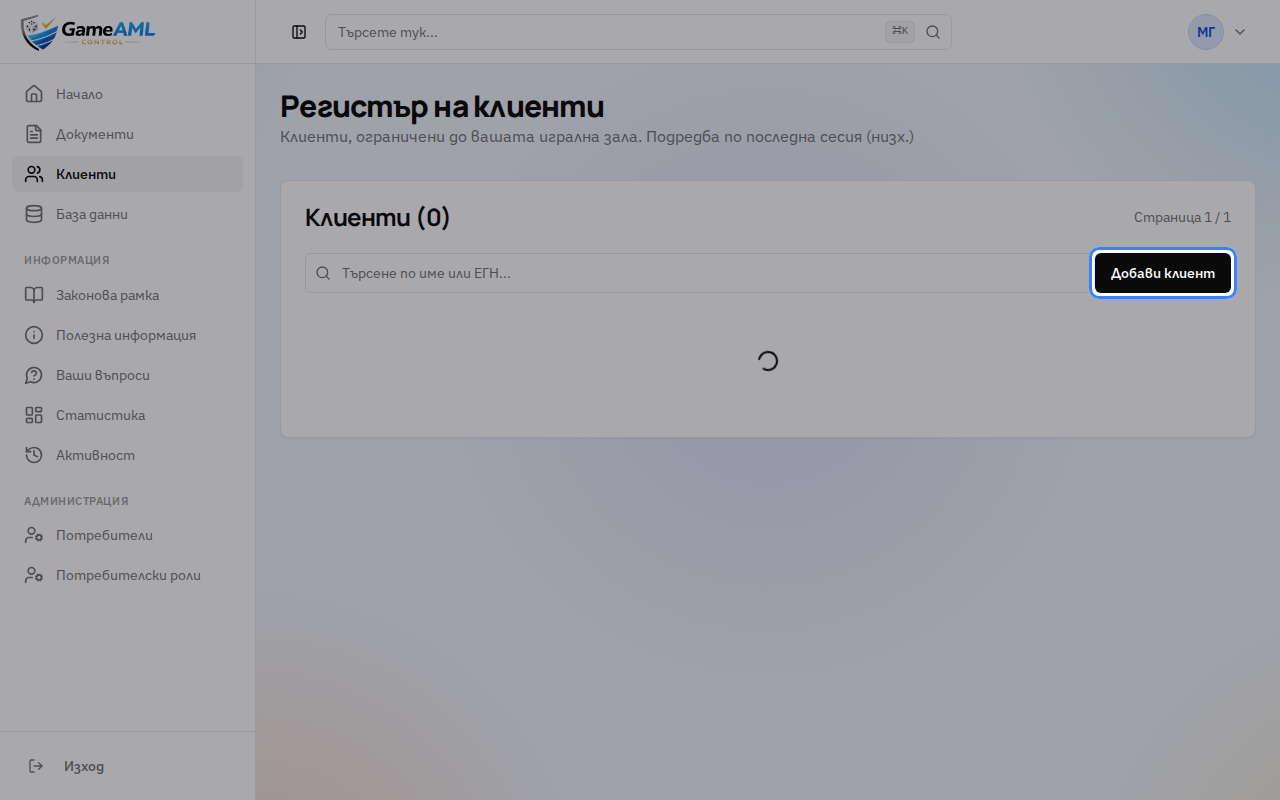
3Click “Добави клиент” (Add customer).
4Enter the customer’s full name exactly as it appears on their ID.
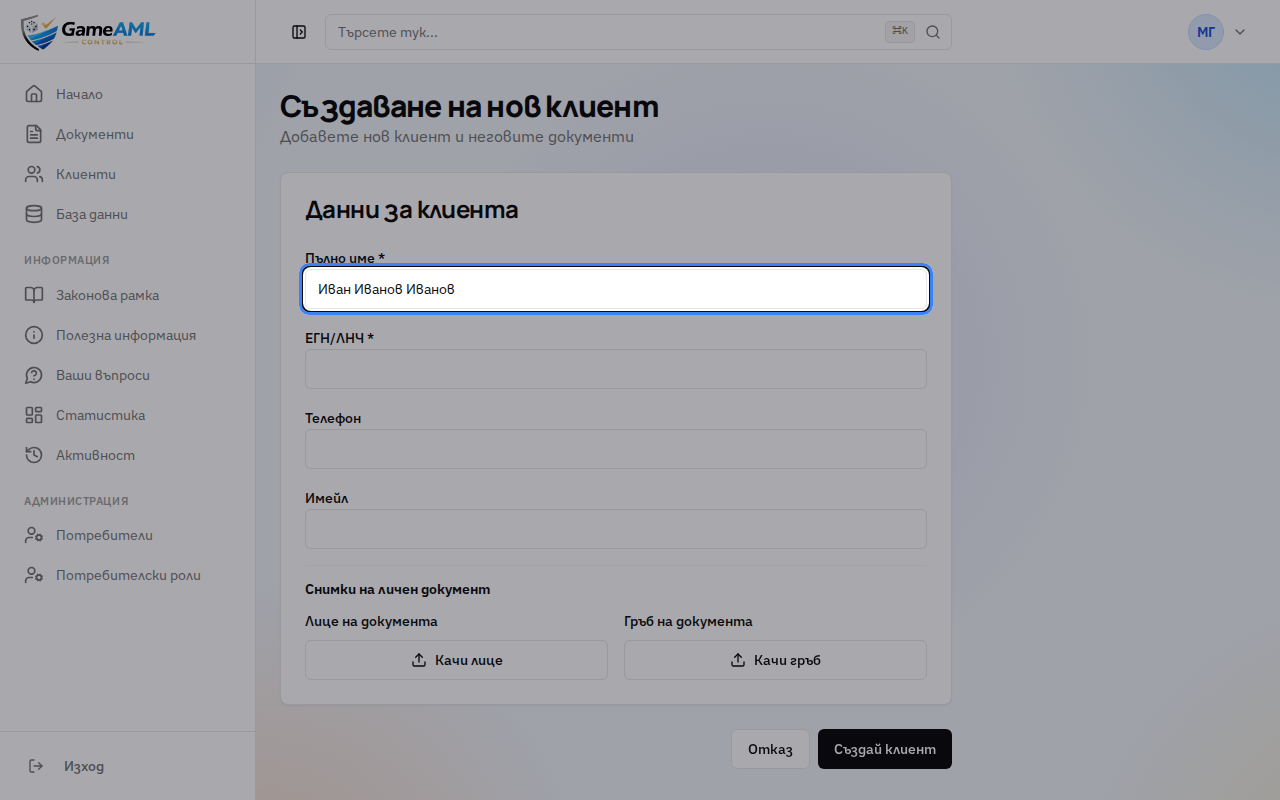
5Enter the ЕГН or ЛНЧ. If a customer with that number already exists, GameAML links you to their profile instead.
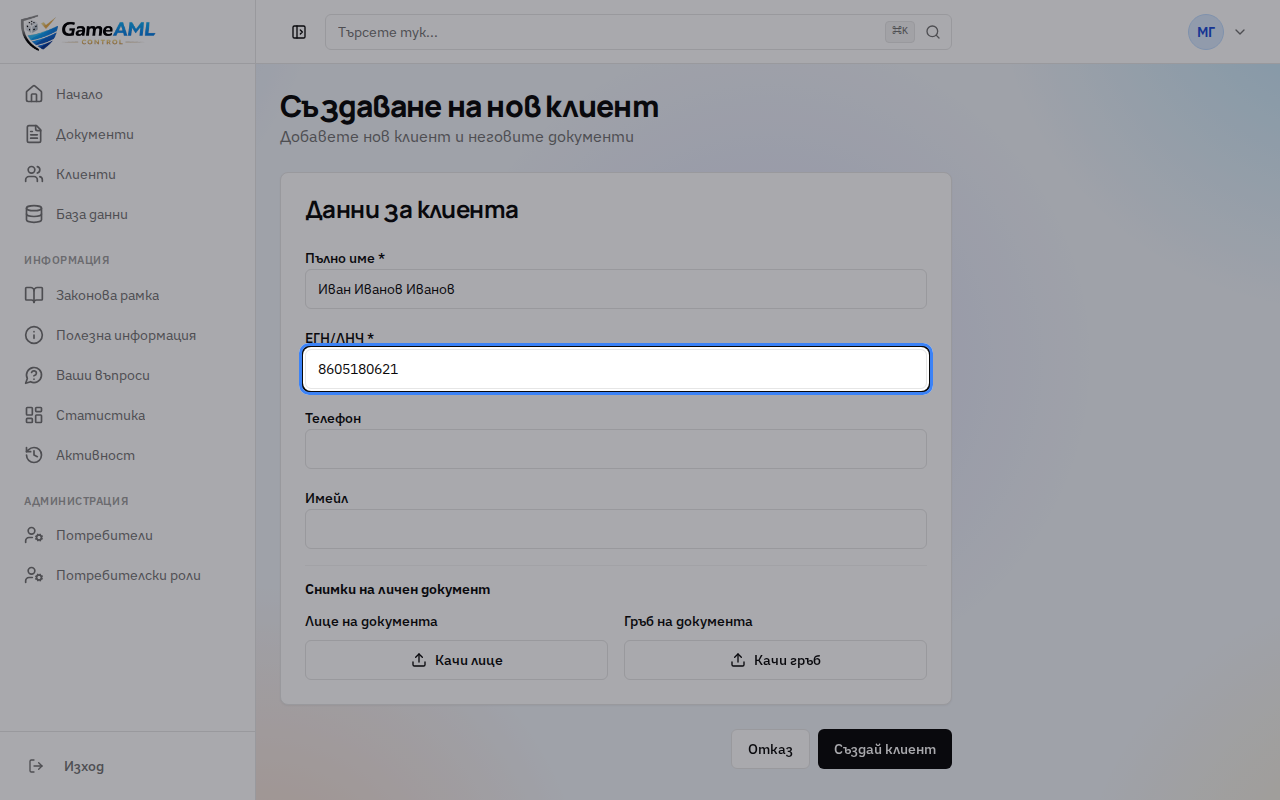
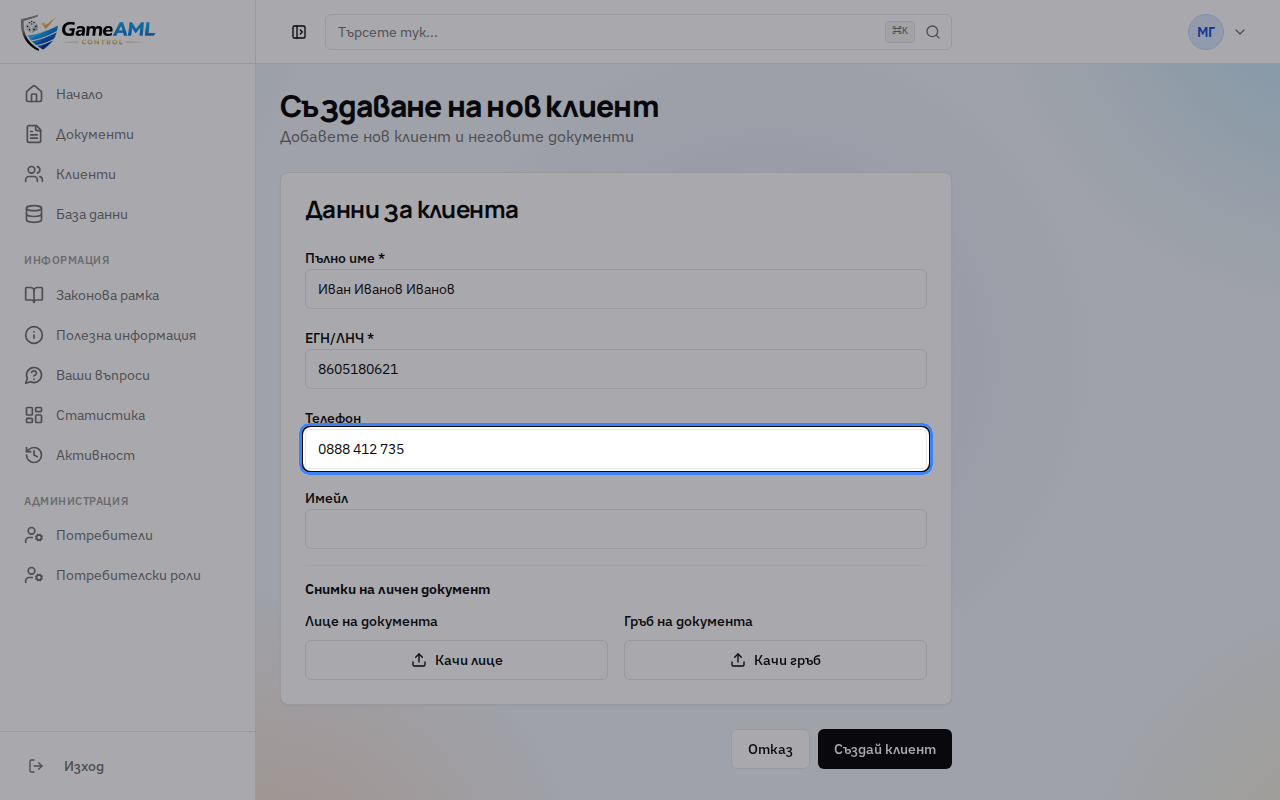
6Phone and email are optional, but they help on the next visit.
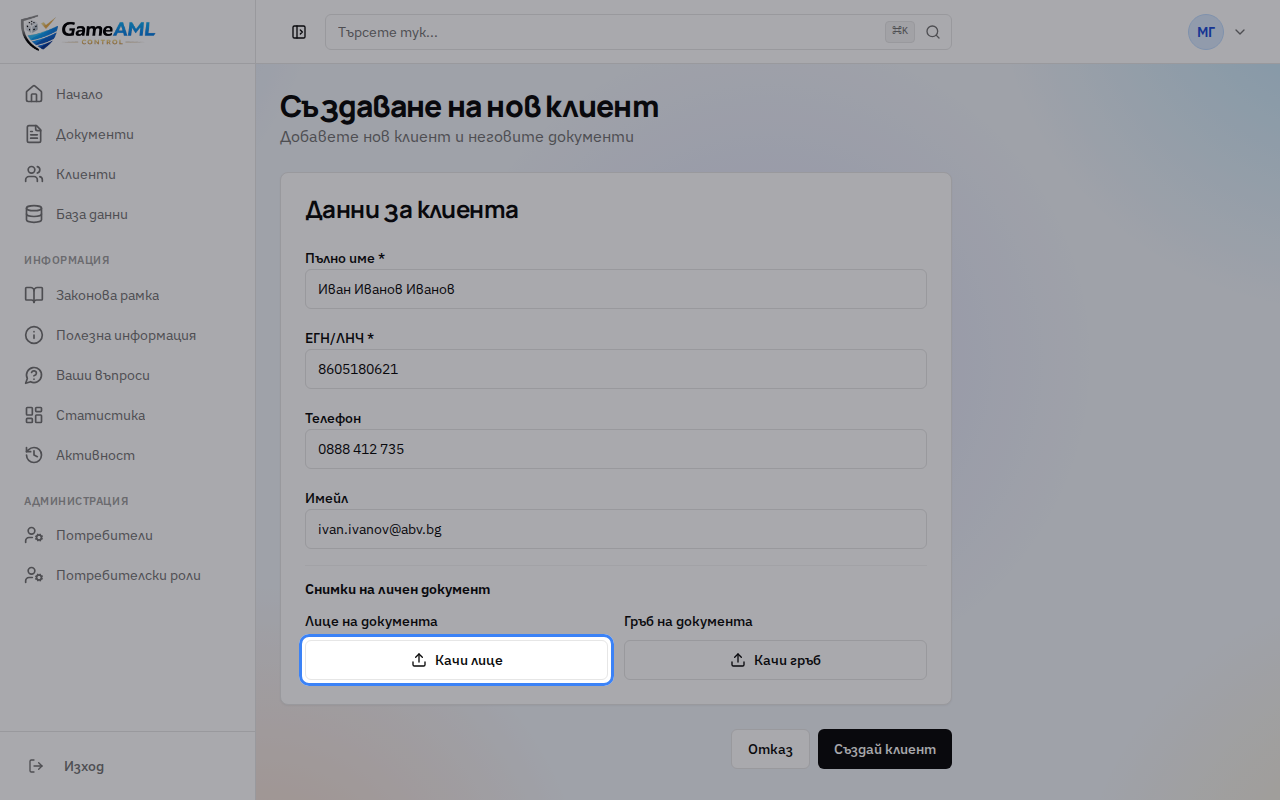
7If you have photos of the ID document, upload the front and back here.
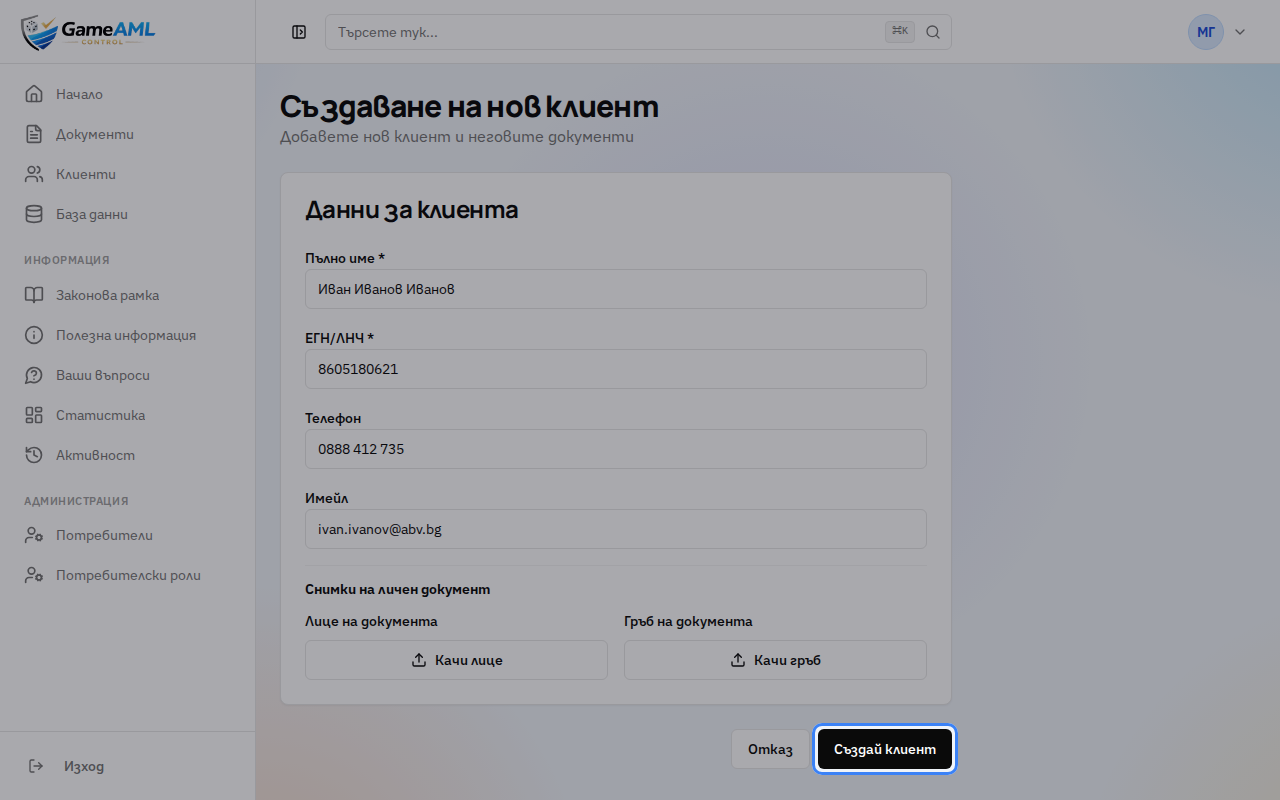
8Click “Създай клиент” (Create customer).
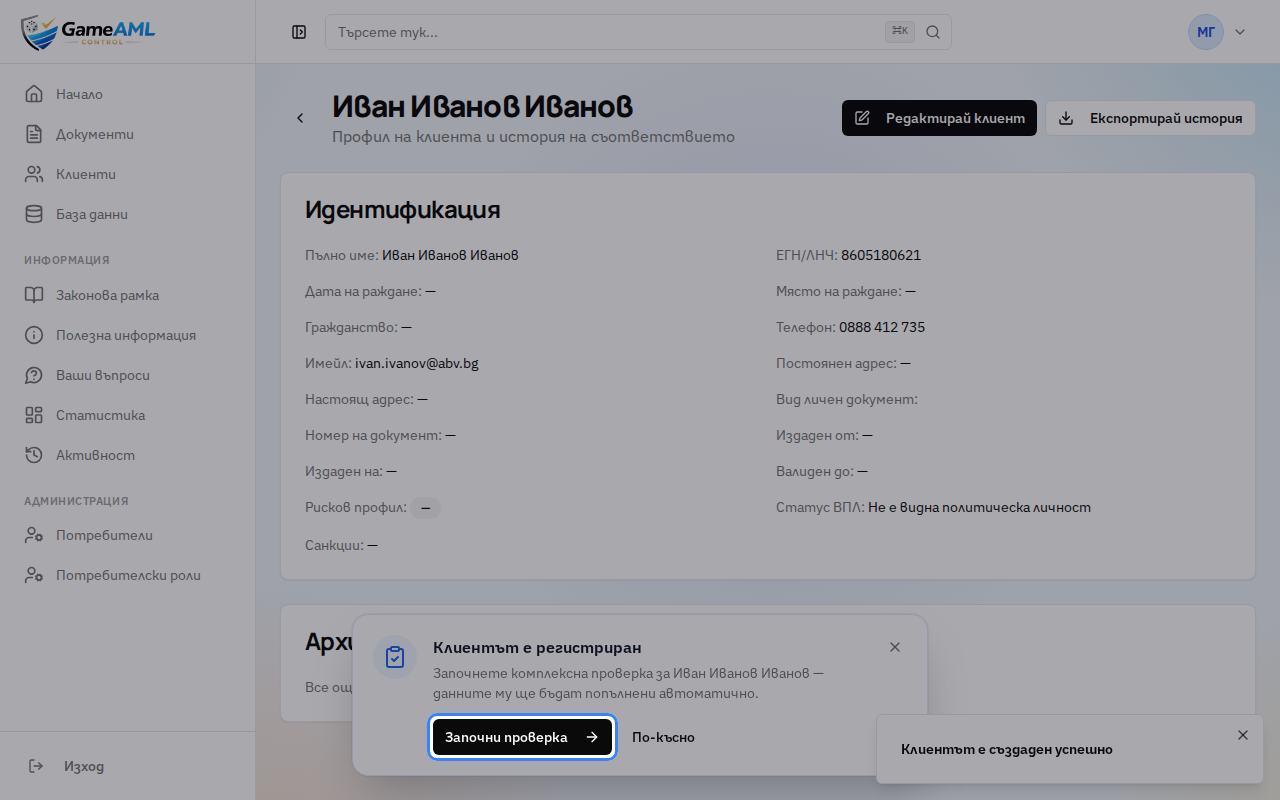
9The customer’s profile opens with “Клиентът е регистриран” (Customer registered) at the bottom. Click “Започни проверка” (Start check) to begin the due-diligence check now, or “По-късно” (Later) to do it afterwards.
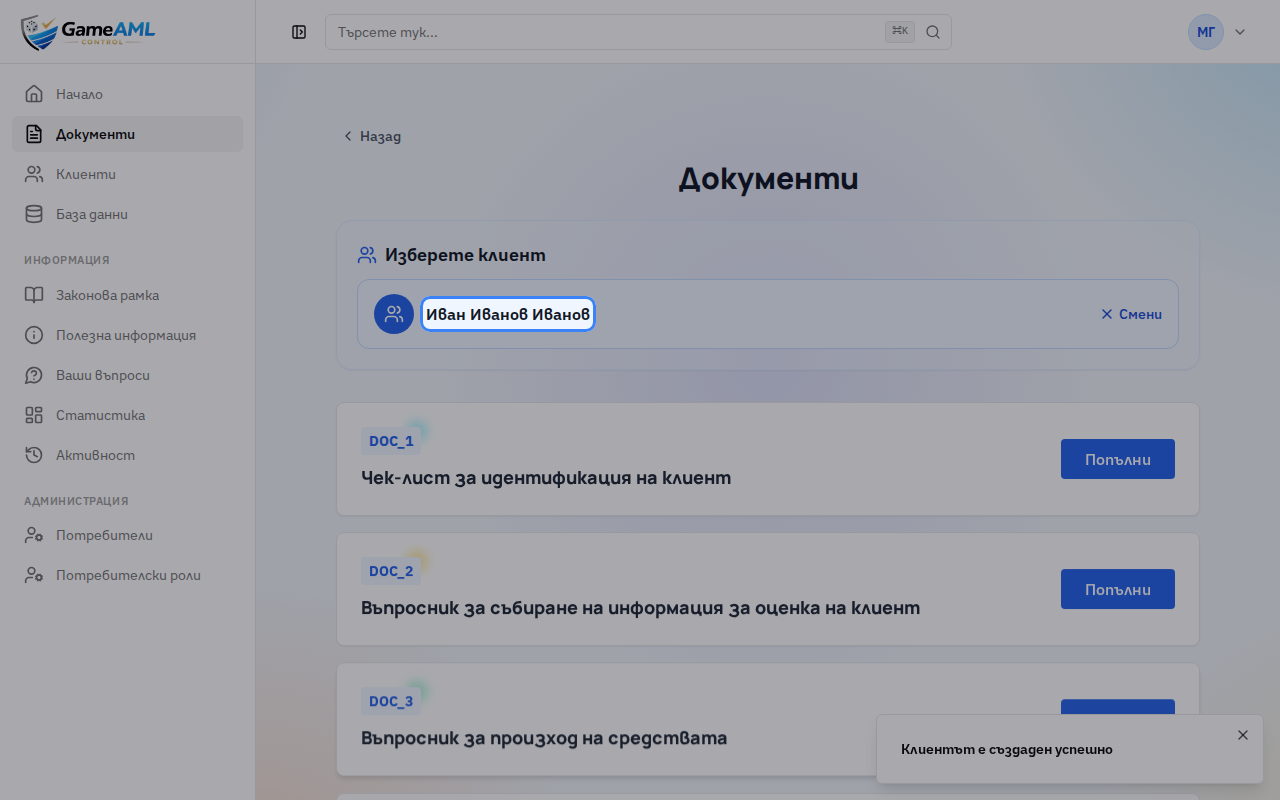
10Done. Documents opens with the customer already selected and their details filled in, so you can go straight to the check.
Lessons are recorded and checked automatically in the live product, so they always show the current screens.